Contact forms that quietly fail, and how to test yours from a phone
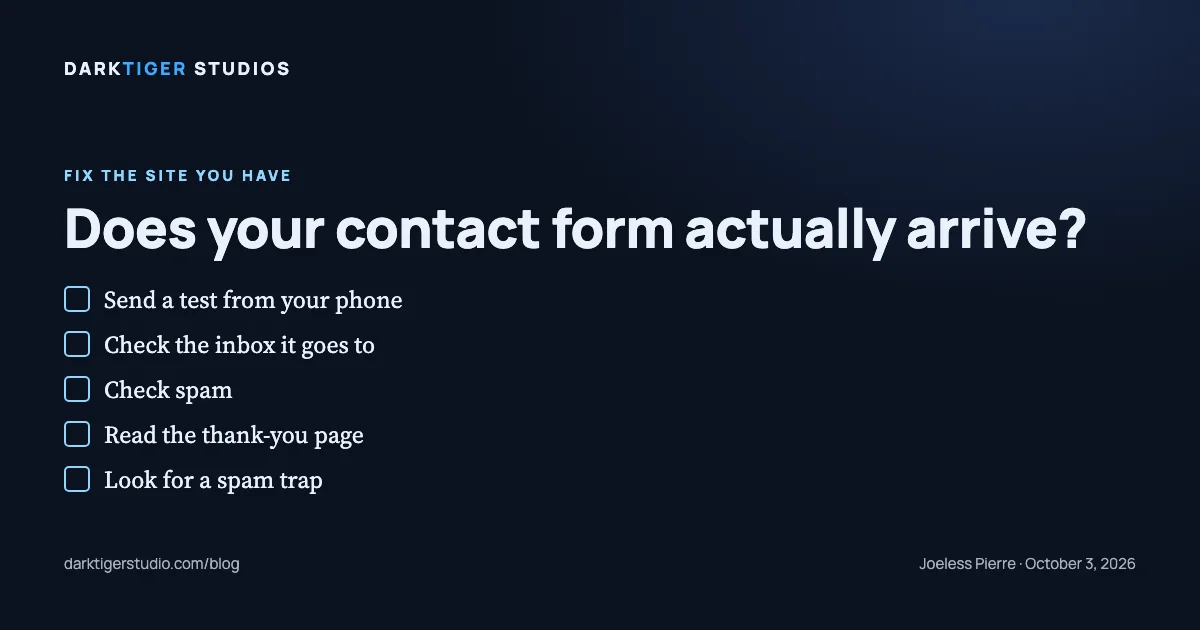
A contact form can show a thank-you screen and deliver nothing, and the only proof that yours works is a test message you send from your phone that lands in your inbox today. Nothing on the page tells you otherwise. The form does not turn red. The visitor sees "Thanks, we will be in touch," and you never hear about the job.
Why a form can fail without a sound
A form is two things: a box on the page, and an address the box sends to. The page part almost always works. The sending part is where it breaks. The HTML standard calls the sending address the form's action, "the URL that processes the form submission" (Source: MDN). Whatever sits at that address decides whether you get the message.
Here are the five failures we see, in the order we see them.
1. The form service was never switched on. Many small sites send through a relay service rather than their own mail server. We use one called FormSubmit on our own site. Its instructions say the first use "will trigger an email requesting confirmation" (Source: FormSubmit). Until someone clicks that confirmation, submissions do not arrive. If the builder set the form up, that confirmation went to whatever inbox the builder typed, and if nobody clicked it, the form has been a dead end since launch. On our own launch list, that click is a named step for every new site, because we learned it the hard way on a site of our own.
2. The message goes to an old inbox. The address in the form's action is the address that receives. If it is the email of a former office manager, a shut-down domain, or an address the owner stopped reading, the message arrives somewhere and dies there.
3. The spam filter eats it. Relay services send from their own servers. Some mail providers file those messages as spam. The message exists; it is in a folder you never open.
4. The thank-you page proves nothing. On most relay services the thank-you page is a setting, not a receipt. FormSubmit's documentation describes it plainly: by default the visitor sees the service's own thank-you page, and "you can provide an alternative URL" (Source: FormSubmit). The page after the submit button is a redirect. It would show whether the message arrived or not.
5. The spam trap catches real people. A common anti-spam trick is a hidden field, called a honeypot, that only a bot would fill in. FormSubmit's documentation says that "if a value is provided, the submission will be silently ignored" (Source: FormSubmit). If a browser's autofill puts text in that hidden field, the real customer's message is thrown away, and "silently" is the exact word.
There is a sixth case worth naming. Some forms are not forms at all. The button opens the visitor's own mail app with your address filled in. On a phone with no mail app set up, nothing happens. That is a mailto link dressed as a form.
How to test yours from a phone, in five minutes
Do this on your own phone, on cellular data, not on the office Wi-Fi.
- Open your site and find the contact form. Fill it in as a customer would. Use a real message such as "Test from the owner, 2:15 PM" so you can find it later.
- Tap send. Note what the screen shows. A thank-you page is step one, not the finish line.
- Open the inbox the form is supposed to reach. Wait two minutes. Refresh.
- If it is not there, open the spam folder, then the promotions or updates tab if your mail splits them.
- If it is still not there, you have a quietly failing form. Write down the time you sent it and the screen you saw; whoever fixes it will want both.
While you are in there, do one more thing. Fill the form in a second time with a web address in the message, the way a sales bot would. If that one arrives in your inbox looking like a real request, your form has no spam hold. On a listing site of our own, a vendor's pitch came through the showing form and was forwarded to the agent as if it were a buyer. We added a hold rule the same day: a message with a web address or a phone number with fewer than four different digits goes to our inbox for a look, never to the client. A form should pass along only what a person could have typed.
What to do about it
If the test message arrived, you are done for this month. Put a note on the calendar to send another test in thirty days, because relay services expire confirmations, hosts change mail settings, and nobody tells you.
If it did not arrive, the fix is usually one of three things: click the confirmation that was never clicked, change the receiving address to one a person reads, or move the form to a service that is activated and sends a copy to two inboxes. None of that needs a redesign.
Our Website Fix is $700 and covers five listed items: images, dead links, the tap-to-call number and mobile layout, HTTPS, and a full re-run of our gate with a before-and-after report. A dead form is not on that list, so if your own test above shows one, tell us and we put the repair in writing before you pay. Start with the audit, or read the five items at /services#fix.
Sources
- FormSubmit, home page: the first submission triggers a confirmation email that must be clicked
- FormSubmit, documentation: the honeypot field silently drops a submission; the redirect page is a setting
- MDN, the form element: the action attribute is the address that receives the submission