Link previews: why your texted link shows a gray box
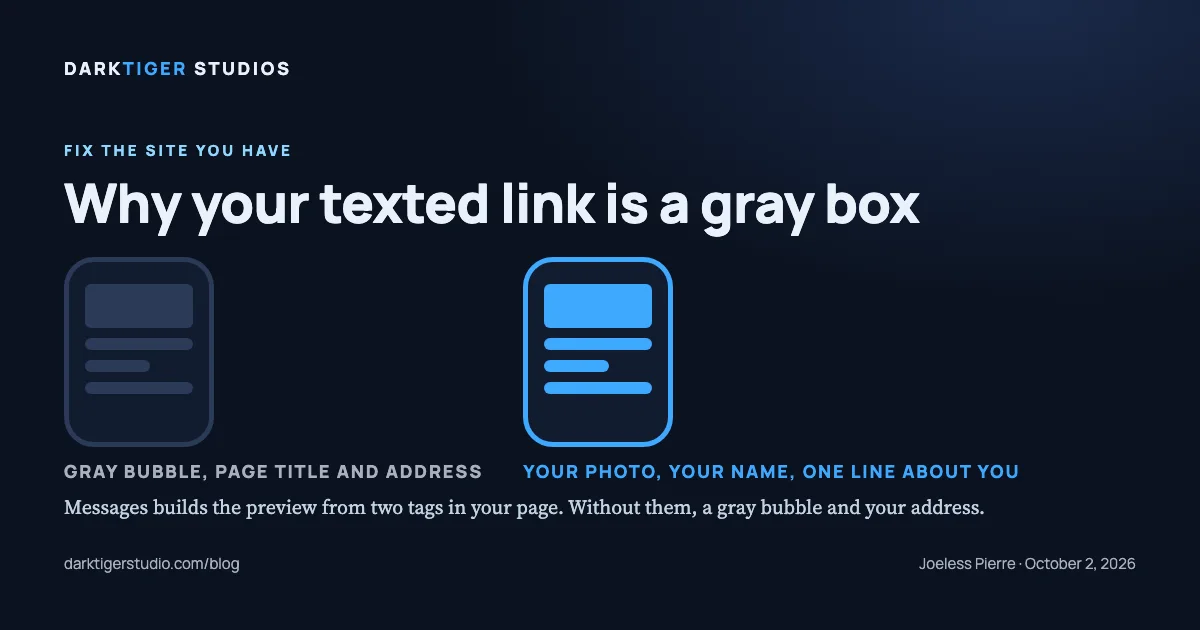
Your texted link shows a gray box because the page has no og:image tag, or the one it has points at a picture Messages will not use. Apple's own documentation describes the default exactly: Messages "by default shows inline previews for links as gray bubbles with the page title, domain, and small icon belonging to the linked web page" (Source: Apple). The fix is two tags in the head of each page and one photo of the right size. Here is what Messages is looking for and the three ways sites get it wrong.
When someone texts your link, the phone fetches the page and reads a handful of tags in its head. Apple shows the two that matter with its own example: an og:title tag and an og:image tag, and says "You can display images and meaningful captions in these link previews by adding metadata on your website pages" (Source: Apple). No tags, gray box. Right tags, your photo and your name in the bubble.
Those tags are the Open Graph protocol, which describes itself as enabling "any web page to become a rich object in a social graph" (Source: The Open Graph protocol). The same tags feed Facebook, LinkedIn and most other places a link gets pasted, so you fix this once.
The tags
Open Graph lists four required properties (Source: The Open Graph protocol):
- og:title, "The title of your object as it should appear within the graph"
- og:type, "The type of your object", which for a business page is website
- og:image, "An image URL which should represent your object within the graph"
- og:url, "The canonical URL of your object that will be used as its permanent ID"
Add og:description, "A one to two sentence description of your object" (Source: The Open Graph protocol), and og:site_name for the business name. Apple's advice on the title is specific: "Do not put the site name or other branding in the og:title," and "Use og:site_name for the site name instead" (Source: Apple).
In the head of a plumber's home page, that is six lines:
<meta property="og:title" content="Drain and sewer repair in Colonie">
<meta property="og:description" content="Same-week drain, sewer and water heater work. Licensed and insured.">
<meta property="og:image" content="https://www.your-domain.com/preview.jpg">
<meta property="og:url" content="https://www.your-domain.com/">
<meta property="og:type" content="website">
<meta property="og:site_name" content="Example Plumbing">
The image rules
Apple sets the sizes. "Images should be at least 900 pixels in width. Images less than 150 pixels in width may be ignored or presented as icons." The page itself "is limited to 1 MB" and the total of icons, images and video "is limited to 10 MB" (Source: Apple). Meta's guidance for the same tag is "at least 1200 x 630 pixels for the best display on high resolution devices," kept "as close to 1.91:1 aspect ratio as possible" (Source: Meta for Developers). A 1200 by 630 photo satisfies both.
One more from Apple that is easy to miss: "Avoid text in preview images. Images may be displayed at varying sizes depending on context and device, potentially making text unreadable." (Source: Apple.) Your truck, your crew or your finished work. Not a flyer.
Three ways it breaks
- The tag is missing. Most common. The page was built without it, or a template dropped it.
- The image is wrong. Under 150 pixels wide and it becomes an icon. Over the limits and it is skipped. A logo file saved for a letterhead is usually both too narrow and the wrong shape.
- The tags are not where the preview can read them. Apple is clear: "Link previews do not follow meta redirects, nor run JavaScript; metadata must be available directly on the linked page." (Source: Apple.) A site that writes its tags with a script after the page loads shows a gray box no matter how good the tags are. Apple also asks that you "Serve the same metadata to both mobile and desktop versions of the page" (Source: Apple), so the preview does not depend on which device fetched it.
Check it in one minute
Text your own home page link to yourself. Then text your contact page and your main service page. Each should show a photo, a short title and your business name. If you see your address and a gray rectangle, you have found the problem. Test a page you have not texted before; we do not have a source for how long Messages keeps an old preview, so a page it has already seen may not show your fix right away.
What we found in the Capital Region
In September 2026 we ran our gate across local home-service websites. Link preview broken, meaning the preview image, the title or description, or the address tag is missing: 69 of 115. No preview image at all: 60 of 115. (Source: DarkTiger Studios gate, September 2026.) The lab test runs on a simulated throttled phone, not real visitor data, and the sample is Capital Region home-service businesses from chamber directories and license rolls, not a random sample.
We do not have a number for what a gray box costs in calls. We do know that a texted link is often the first time a homeowner sees your business, and the gray box is the whole first impression.
Next step
Text yourself three links from your site. If any one comes back gray, mention it when you book a Website Fix at /services#fix; the tags are a few lines in the head of each page and the gate checks og:title, og:description, og:image and og:url before we call the work done.
Sources
- Apple, TN3156 Create rich previews for Messages: how Messages builds previews, the tags, the image limits
- The Open Graph protocol: the four required properties and og:description
- Meta for Developers, sharing images: the 1200 by 630 recommendation and the 1.91 to 1 ratio