Squarespace vs custom: an honest comparison
Squarespace is the right choice when you want to edit a template yourself every week, you want a store or a scheduler built in, and cash matters most. A custom build is the right choice when you want to own the files, control every line of every page, and have someone else keep it running. Squarespace is cheaper over three years. That is true, and we are not going to dress it up. What follows is what each one costs, what each lets you change, and what you can take with you when you leave.
What Squarespace costs
Read from Squarespace's pricing page on 2 October 2026. Prices change; check the page before you decide.
| Plan | Billed annually | Billed monthly |
|---|---|---|
| Basic | $19 a month | $25 a month |
| Core | $29 a month | $39 a month |
| Plus | $49 a month | $65 a month |
| Advanced | $99 a month | $139 a month |
(Source: Squarespace pricing page.) An annual plan includes one year of domain registration on an available name at Squarespace's cheapest tier (Source: Squarespace pricing page).
What you can and cannot change
On every plan you get a code block: "On all plans, code blocks support plain text, HTML, Markdown, and CSS code surrounded by <style></style> tags" (Source: Squarespace Help Center, Code blocks). Code injection, which adds code to the whole site or a page, "is available in the Core, Plus, Advanced, and some legacy billing plans" (Source: Squarespace Help Center). And there is a line every owner should read before relying on it: "Custom code might break your site's appearance or behavior, especially on mobile devices. Our support team can't help you add custom code to your site or troubleshoot issues that arise from using it" (Source: Squarespace Help Center).
That is the shape of the deal. Inside the template you can change a great deal yourself, today, with no developer. Outside it, you are on your own, and the platform says so.
What you can take with you
Squarespace lets you "export certain content from your Squarespace site into an .xml file." What exports: layout pages, one blog with its posts, text blocks and image blocks. What does not: store pages, album pages, index pages, video blocks, product blocks, drafts, style settings and custom CSS (Source: Squarespace Help Center). The words and pictures come with you. The design does not, and neither does anything you built in the store.
When you cancel, "a 'Website expired' message appears when you visit it from any of your domains," and the domain itself stays registered in your account to keep or transfer (Source: Squarespace Help Center).
What custom costs here
Our published packages: Starter $1,900, Standard $3,500, Growth $6,450, Custom from $10,250. Every package includes the first month of the Care Plan, then $95 a month, or $175 a month for Care Plan Plus, month to month, cancel any time (Source: DarkTiger Studios build page). Your domain and Google accounts are in your name from day one; the site, its code and its files are yours on final payment; and if you keep the Care Plan and later leave, everything transfers to you free within five business days (Source: DarkTiger Studios Care Plan page).
The arithmetic, side by side
Take Squarespace Core on annual billing against our Starter with the Care Plan. These are the published prices multiplied out; no estimates.
Squarespace Core: $29 times 12 is $348 a year. Three years: $1,044, plus your own hours editing.
Starter with Care Plan: $1,900 once, then $95 a month after the included first month, which is $1,045 in year one. Year one total $2,945. Years two and three $1,140 each. Three years: $5,225.
Custom costs about five times as much in cash over three years. What you are buying for the difference: a site that is yours as files, the words edited or written for your trade, a tested gate report at launch and every month, a person who answers when something breaks.
Which one is for you
Choose Squarespace if:
- You will log in and edit pages yourself every week and enjoy it
- You want a built-in store, scheduler or members area and are fine with its fees
- You want the lowest cash cost and accept that the design stays on the platform
Choose a custom build if:
- You want to own the site outright, files and all
- You want the words written or edited for your trade and read on a phone first
- You want someone else to host it, watch it and fix it, and to send you the report
- You want to be able to leave with everything, not an .xml file of the text
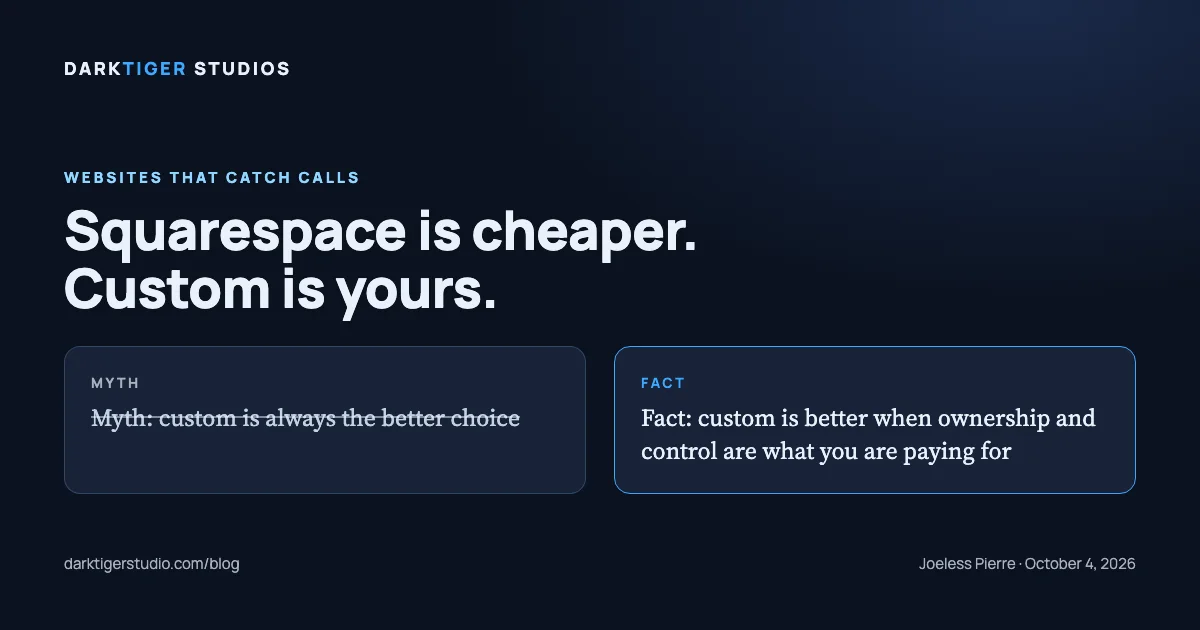
The myth, plainly: "custom is always better" is not true. Custom is better when ownership and control are what you are paying for. If you will edit every week and never want to think about hosting, Squarespace is a sound choice, and we will tell you so on the phone. If you want one of ours, the packages and what each includes are at /build.
Sources
- Squarespace pricing: plan names, prices and the code features of each, read 2 October 2026
- Code blocks: what a code block accepts on every plan
- Customize parts of your site with code injection: which plans allow code injection and the support limit on custom code
- Exporting your site: what an export includes and leaves behind
- Cancel your website subscription: what visitors see after a cancellation and what happens to the domain
- DarkTiger Studios, build packages: the studio's published prices and what each package includes
- DarkTiger Studios, Care Plan: the monthly plan, its terms and the free transfer on leaving