What happens to your site if you stop paying your web platform
It depends on the platform, and the answer is written in each one's help pages: Squarespace puts up a "Website expired" page, Wix keeps your site online at a free wixsite.com address with Wix ads on it, and GoDaddy deletes the site and its data after the cancellation date. A website on a rented platform is a tenant. Stop paying the rent and the locks change, politely, by email.
Three platforms, three endings
Squarespace: the site goes dark, the domain stays. Timing depends on how you were billed. "Canceling an annual subscription ends your service immediately," and "when you cancel a monthly subscription, your service stops at the end of your billing cycle" (Source: Squarespace Help Center). After that, "a 'Website expired' message appears when you visit it from any of your domains" (Source: Squarespace Help Center).
The domain is separate: "Your domain subscription stays active. You can keep your domain registered through your account, manage its DNS settings, or transfer it to a different host" (Source: Squarespace Help Center). Canceling keeps some content in case you come back; deleting the site removes it. And if your card simply fails, "your site will remain visible to visitors and search engines for 15 days while we try the charge again," after which it is marked expired and goes offline (Source: Squarespace Help Center).
So with Squarespace the site is a lease that ends; the content waits behind the login; the domain is yours to take.
Wix: the site stays up, with ads and a long address. Wix does the opposite. "If you cancel your plan, your site is still active and can be viewed online." But "your site address reverts to the free Wix URL (siteprefix.wixsite.com/siteaddress) and Wix ads appear on your site" (Source: Wix Help Center). Content is kept: "canceling your plan does not delete your site content" (Source: Wix Help Center).
The catch is the address. Wix's own page on domains says "you need to upgrade your site with a plan before you can connect a custom domain to your site" (Source: Wix Help Center, About Domains). Without the plan, yourbusiness.com no longer points at the site. Customers who typed your address get nothing; customers who find the wixsite.com address get your pages with somebody else's advertising on them.
GoDaddy: gone after the date. GoDaddy's cancellation page for its products says: "You can keep using the product until that date, and after that date your product and all associated data will be deleted" (Source: GoDaddy Help). That is the whole sentence. There is an unpublish option if you want the site offline but kept: GoDaddy's page for its Websites + Marketing builder says "unpublishing your site will change what visitors see to 'Coming Soon' and your header image. You'll still be able to work on the rest of your site in the background until you're ready to publish again" (Source: GoDaddy Help, Unpublish my Websites + Marketing site). That is the one to use if you are not sure.
The domain is the part that hurts
A site can be rebuilt. A domain that lapses can end up in a stranger's hands. The rules every registrar follows are ICANN's. Before expiry, registrars "must notify the registered name holder of the expiration at least two times," once about a month before and once about a week before (Source: ICANN, Expired Registration Recovery Policy). After expiry, within five days, at least one more notice goes out. For at least the last eight days that the name is still renewable, the registrar must interrupt the domain so the site stops resolving, and any page it shows "must conspicuously indicate that the domain name registration is expired and provide renewal instructions" (Source: ICANN).
Those notices go to the email on the registration. If that address belongs to a nephew, a former employee, or an agency that closed, the warnings go to nobody, and the first you hear is a customer saying your site is down. Check the registrant email on your domain this week. It takes two minutes and it is the cheapest insurance in this article.
Myth and fact
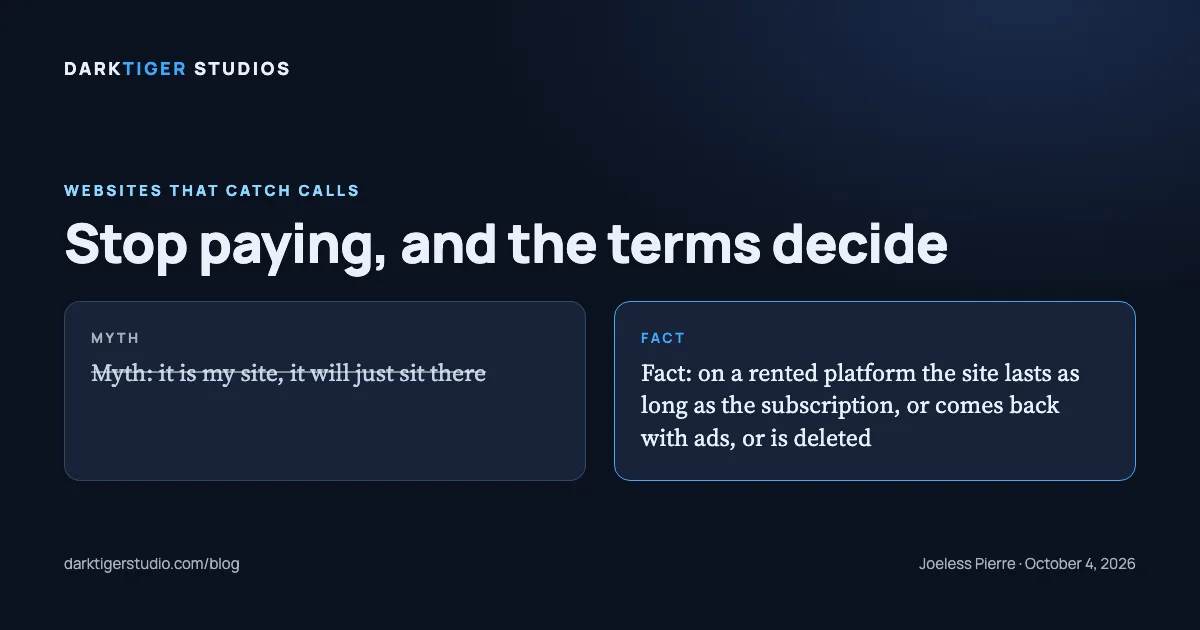
The myth: "It is my site. If I stop paying it will just sit there." The fact: on a rented platform the site exists as a subscription. Stop paying and it goes dark (Squarespace), comes back with ads at an address nobody knows (Wix), or is deleted (GoDaddy). None of those is a surprise; each one is written down.
Before you cancel anything
- Export what the platform lets you. Squarespace, for example, exports "certain content" to an .xml file: layout pages, one blog, text and image blocks. It does not export store pages, style settings or custom CSS (Source: Squarespace Help Center). The design does not come with you anywhere.
- Download every photo you own from the media library.
- Screenshot every page, phone and desktop. It is the only record of the layout you had.
- Write down where the domain lives and which email it notifies. Fix that email if it is wrong.
- Keep the old site live until the new one is up and the domain points at it.
How we set it up so this question never comes up
Your domain and your Google accounts are registered in your name from day one, and we work in them as a collaborator you can remove. On final payment the finished site, its code and its files are yours. If you keep a Care Plan we host it and hand everything over free within five business days whenever you ask. No subscription stands between you and your own pages. The packages are at /build.
Sources
- Cancel your website subscription: when service ends, the Website expired message, the domain staying active
- My site is past due: the 15 day grace period after a failed renewal
- Canceling a Wix Premium or Studio Plan: the site reverting to a free Wix address with Wix ads, content intact
- About Domains (Wix): a plan is required to connect a custom domain
- Cancel a subscription for my GoDaddy product: the product and its data deleted after the cancellation date
- Unpublish my Websites + Marketing site: what visitors see when a site is unpublished and that it can still be edited
- ICANN Expired Registration Recovery Policy: renewal notices and the interruption of an expired domain
- Exporting your site (Squarespace): what an export does and does not include