Why your site loads slow on phones: the usual suspects
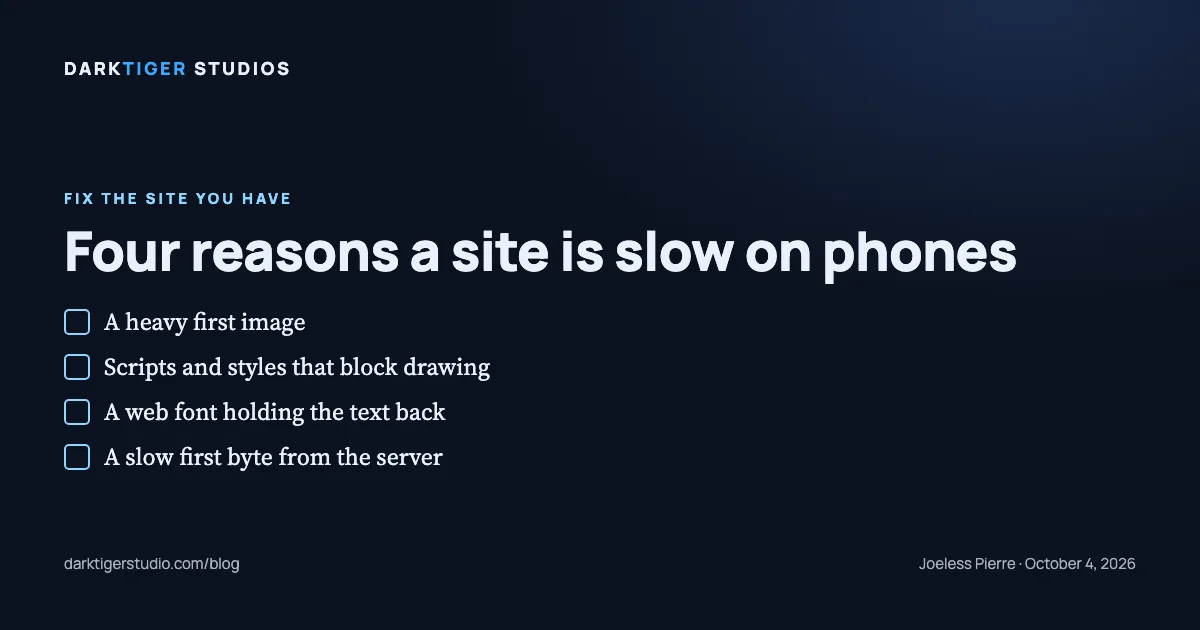
Your site loads slow on phones for one of four reasons, nearly every time: the first big image arrives late, scripts and stylesheets stop the browser from drawing, a web font holds the text back, or the server is slow to send the first byte. Google's lab test can tell you which one it is, and you can run it from your phone in about a minute.
What "slow" means here
When we say a site is slow we mean one thing: Google's lab test. That is Lighthouse, run as a mobile phone on a simulated slow connection. The simulation is 1.6 Mbps down, 150 ms of latency, and a 4x CPU slowdown (Source: Lighthouse throttling docs). It is a stress test. It is not your phone on your office wifi, and a site that reads nine seconds in the lab can appear far sooner on a strong signal; the two measure different things.
The number the test leads with is Largest Contentful Paint, or LCP. Google defines it as "the render time of the largest image, text block, or video visible in the viewport" (Source: Google web.dev). Google's line for good is 2.5 seconds or less (Source: Google web.dev). On a trade site the largest thing on the first screen is usually the hero photo, and sometimes it is the headline.
One more thing to get straight. Page weight, the megabytes a page downloads, is a measurement. A heavy page often takes longer, but the weight is not the cause of the wait by itself. The four suspects below are.
The four parts of the wait
Google splits LCP time into four parts (Source: Google web.dev):
- Time to first byte. From the tap until the browser receives the first byte of the page from the server.
- Resource load delay. From that first byte until the browser starts downloading the big image.
- Resource load duration. How long the big image itself takes to download.
- Element render delay. From the image finishing until it is drawn on screen.
Google's guidance on how the time should split: first byte about 40 percent, load delay under 10 percent, load duration about 40 percent, render delay under 10 percent (Source: Google web.dev). When one part is far over its share, that is your suspect.
The four suspects
1. The first image. Two things go wrong with the hero photo.
It is too big for the slot. Lighthouse checks every image by comparing "the size of the rendered image against the size of the actual image," and the image fails when the actual file is at least 4 KiB larger than what the screen needs (Source: Chrome for Developers). A 4,000 pixel photo in a 400 pixel slot is the usual case. The fix is to make several sizes and let the browser pick.
It is lazy loaded. Some page builders apply lazy loading to every image on the page, the hero included. Google's instruction is plain: "Never lazy-load your LCP image, as that will always lead to unnecessary resource load delay" (Source: Google web.dev). Lazy loading belongs on the images below the first screen, not on the first one.
2. Scripts and styles that block drawing. A browser will not draw the page while it is waiting on certain files. Lighthouse flags two kinds: a script tag in the head that has neither a defer nor an async attribute, and a stylesheet link that has no media attribute matching the device (Source: Chrome for Developers). Google's own note on stylesheets: "Style sheets loaded from the HTML markup will block rendering of all content that follows them" (Source: Google web.dev).
On a trade site these are usually a chat widget, a tracking pixel, a slider plugin, or a page builder's own framework, all loaded before the page draws. The fix is to defer them, load them after the first screen, or remove the ones nobody uses.
3. A web font holding the text back. "If a web font has not loaded, browsers typically delay text rendering" (Source: Google web.dev). When the headline is the largest thing on the first screen, a font that is still downloading is the whole wait. The fix is a font-display setting that shows a fallback font until the real one arrives, and fewer font families on the page.
4. The server. If time to first byte is the long part, the trouble is before the page even starts: a shared host that is slow to respond, or a platform that rebuilds the page on every request. A site served as plain files from a content delivery network does not have that step.
Check it on your own phone
- Open pagespeed.web.dev, enter your address, and make sure the Mobile tab is selected.
- Find Largest Contentful Paint. Under 2.5 seconds is Google's line.
- Scroll to the diagnostic called "Largest Contentful Paint element." It names the element and splits its time into the same four parts. The biggest part is your suspect.
- The rows "Eliminate render-blocking resources" and "Properly size images" name the exact files.
Run it twice. Lab runs vary from one to the next; if the two disagree by a lot, run a third. And remember what you are reading: a simulated slow phone, not your customers. We do not have a number for what visitors do when a page is slow, and we will not invent one.
What to do about it
Most of these are repairs, not rebuilds. Our Website Fix is $700, done in three business days: images compressed and lazy loaded below the first screen, dead links repaired, a tappable phone number and a working mobile layout, HTTPS forced, and the test run before and after so you can see the change. If your platform will not allow one of those items, we tell you before you pay. See what the fix covers at /services#fix.
Sources
- Optimize Largest Contentful Paint: the four parts of LCP time, their ideal shares, and the warning never to lazy-load the main image
- Largest Contentful Paint (LCP): what LCP measures and the 2.5 second line
- Lighthouse throttling: the simulated connection and CPU slowdown the lab test uses
- Eliminate render-blocking resources: which scripts and stylesheets Lighthouse flags as blocking
- Properly size images: how Lighthouse decides an image is oversized
- Best practices for fonts: web fonts delaying text rendering