Your call button might not dial. Here is how to check in 30 seconds
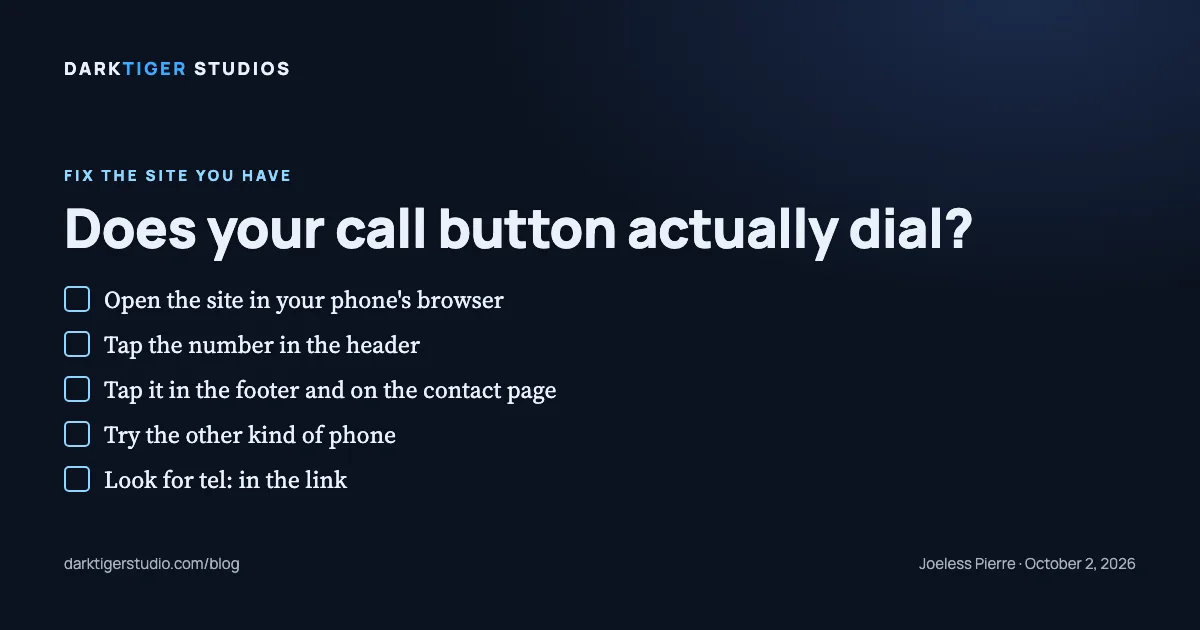
Open your website on your phone and tap the phone number. If the phone does not offer to call, you do not have a call button. You have a number printed on a page, and the customer has to type it in themselves.
That is the whole check. Below is how to do it properly, why it fails, and the one line that fixes it.
The 30-second check
- Open your site in the phone's browser. Not a screenshot, not the desktop version on a laptop.
- Tap the phone number in the header. On an iPhone, Safari puts up a prompt asking whether you want to call the number (Source: Apple). On other phones the browser dials or hands the number to the dialer (Source: MDN).
- Scroll to the footer and tap the number there. Then open the contact page and tap it again.
- Hand the phone to someone with the other kind of phone and have them do the same three taps.
If every tap offers a call, you are done. If any tap does nothing, or only highlights the text, keep reading.
Why a number on the page is not a call button
The one way to make a number dial on every phone is a link whose address starts with tel: (Source: MDN). Everything else is decoration. Here are the ways we see it fail on real sites:
- The number is plain text. Safari on iPhone turns written phone numbers into links by itself, and that detection is on by default (Source: Apple). Other browsers may not do this, so a plain number can work on one phone and fail on the next.
- The page switches off the iPhone's own detection. One tag,
<meta name="format-detection" content="telephone=no">, stops Safari from linking written numbers. Explicit tel: links still work when that tag is present (Source: Apple). Designers add it so a street address or a price does not turn into a phone link, then forget to add the real link. - The number is inside a picture. A banner or logo with the number baked into the image cannot be tapped. Nothing in the page knows it is a number.
- The link holds too few digits. We have seen tel: links with an empty address, or a partial number a script was supposed to fill in. The link exists. It cannot dial.
One more that confuses people who test from a laptop: some sites send tel: links only to phones and plain text to desktops. That is fine for callers. It is why the check happens on a phone, not at a desk.
The fix is one line
<a href="tel:+19498397711">(949) 839-7711</a>The visible part, between the tags, is whatever you want people to read. The address part is the number in global form: a plus sign, the country code, then the full number. The tel standard says phone numbers must use that global form unless they cannot be written that way (Source: RFC 3966). Written like this, the link dials correctly from any phone in any country.
Put that link everywhere the number appears: header, footer, contact page, and under any button that says "Call now".
What we found in the Capital Region
In September 2026 we ran our pre-launch gate across local home-service websites. Phone number not a tap-to-call link: 45 of 115 (Source: DarkTiger Studios gate, September 2026). The lab test runs on a simulated throttled phone, not real visitor data, and the sample is Capital Region home-service businesses from chamber directories and license rolls, not a random sample.
We do not have a number for how many calls a dead button costs. Nobody has measured it for a plumber in Colonie, and we would rather say that than invent one.
Next step
Do the four taps tonight. If one fails, it is on the Website Fix list: a tappable phone number, images compressed, dead links repaired, one secure address, and the gate re-run with a before-and-after report, for $700. Details at /services#fix.
Sources
- MDN, the a element, telephone links: tel: link markup and what phones do with it
- Apple, Phone Links: the iOS call prompt, Safari number detection, the format-detection tag
- RFC 3966, the tel URI: global number form with a leading plus and country code